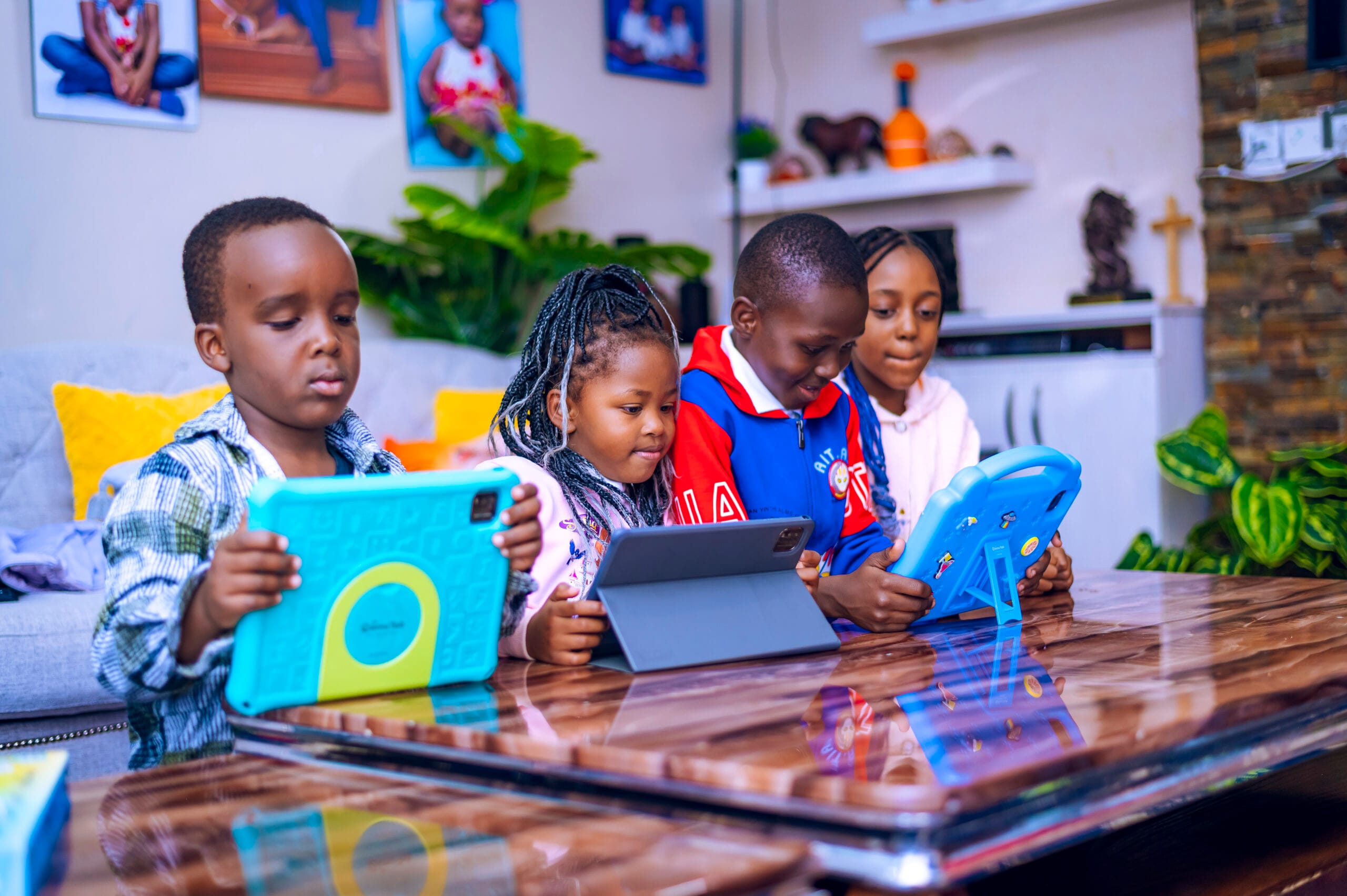
Many parents today are no longer asking, “Should my child use a screen?”
The real question is:
What should my child actually do on the screen?
Because a tablet is not automatically educational. A child can spend two hours on a tablet and learn very little. Another child can use that same time to read, practise maths, revise schoolwork, learn a language, code, create, research, or take quizzes.
The difference is purpose.
Screens are already part of childhood. Common Sense Media’s 2025 Census found that 40% of children have a tablet by age 2, and nearly 1 in 4 children have a personal cellphone by age 8. This means parents need to focus less on the screen itself and more on what the child is doing with it.
So, what should a child actually do on a learning tablet?
1. Read
Reading is still one of the most important learning habits a child can build. A tablet can give children access to storybooks, revision books, textbooks, digital libraries, and read-aloud content.
For younger children, this may mean picture books, phonics, and simple stories. For older children, it may mean subject notes, novels, comprehension passages, and research materials.
A simple parent question helps:
“What did you read today?”
2. Practise Maths
Maths improves with regular practice. A good learning tablet can help children practise counting, addition, subtraction, multiplication, fractions, shapes, measurements, and problem-solving.
The goal is not just to finish a game. The goal is to help the child think, solve, make mistakes, and try again.
Ask:
“Can you solve one for me?”
3. Revise Schoolwork
A learning tablet should support what the child is learning in school. Children can watch lesson videos, review notes, attempt questions, take quizzes, and repeat topics they find difficult.
A simple weekly routine can help:
Monday: Reading
Tuesday: Maths
Wednesday: Science
Thursday: Languages
Friday: Quiz and review
Consistency matters more than pressure.
4. Learn Languages
Tablets can help children practise English, Kiswahili, spelling, pronunciation, vocabulary, grammar, and even foreign languages.
But language improves most when children use it. After a lesson, ask your child to explain a new word or use it in a sentence.
The tablet introduces the language.
Conversation helps it stick.
5. Create
A tablet should not only be for watching. It should also be for making.
Children can draw, write stories, record voice notes, create presentations, make posters, edit simple videos, or design school projects.
This moves them from passive screen time to active learning.
A child who creates is not just consuming content. They are thinking, choosing, explaining, and expressing ideas.
6. Learn Coding and Logic
Not every child will become a programmer, but every child can benefit from learning logic.
Coding teaches problem-solving, sequencing, patience, creativity, and cause-and-effect thinking. Even simple coding activities can help children understand how digital tools work.
In a world shaped by technology and AI, children should not only know how to use screens.
They should learn how to think with them.
7. Research Safely
Children are naturally curious. They ask questions about animals, science, space, countries, careers, and how things work.
A tablet can support that curiosity, but research must be guided. The open internet was not built specifically for children.
Parents should use safe browsing, trusted learning platforms, and parental controls where possible.
Instead of saying “go research,” give a clear task:
Find three facts about the solar system.
Watch one lesson on photosynthesis.
Read about one African country.
Find five new words and their meanings.
That turns browsing into learning.
8. Take Quizzes
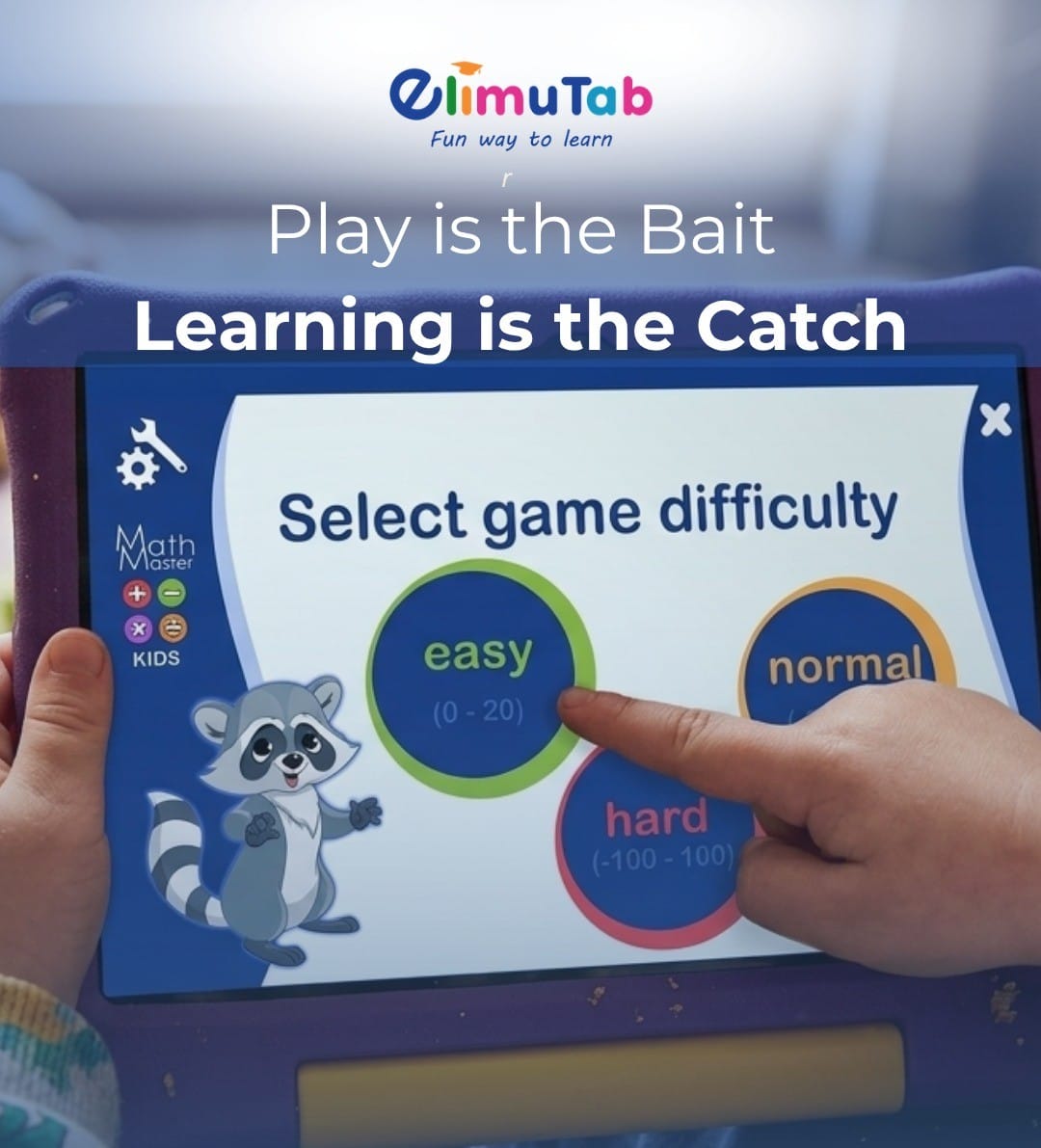
Quizzes help children check whether they understood something. They make revision more active and help parents see where a child may need support.
The goal is not to shame a child for a low score. The goal is to help them improve.
Ask:
“Which questions were hard?”
That one question can start a useful learning conversation.
The Real Question Parents Should Ask
The best learning tablet is not the one with the most apps.
It is the one that helps a child build better habits.
So instead of only asking:
“How long have you been on the tablet?”
Also ask:
“What did you do with it?”
Did they read?
Did they practise?
Did they revise?
Did they create?
Did they research safely?
Did they learn something they can explain?
At ElimuTab, we believe children should not only be entertained by screens. They should be guided to use screens for reading, revision, creativity, coding, research, quizzes, and safe exploration.
Because when a screen has purpose, it becomes more than screen time.
It becomes learning time.